Customer portal
WHAT YOU GET
A customer-facing workspace
without extra accounts.
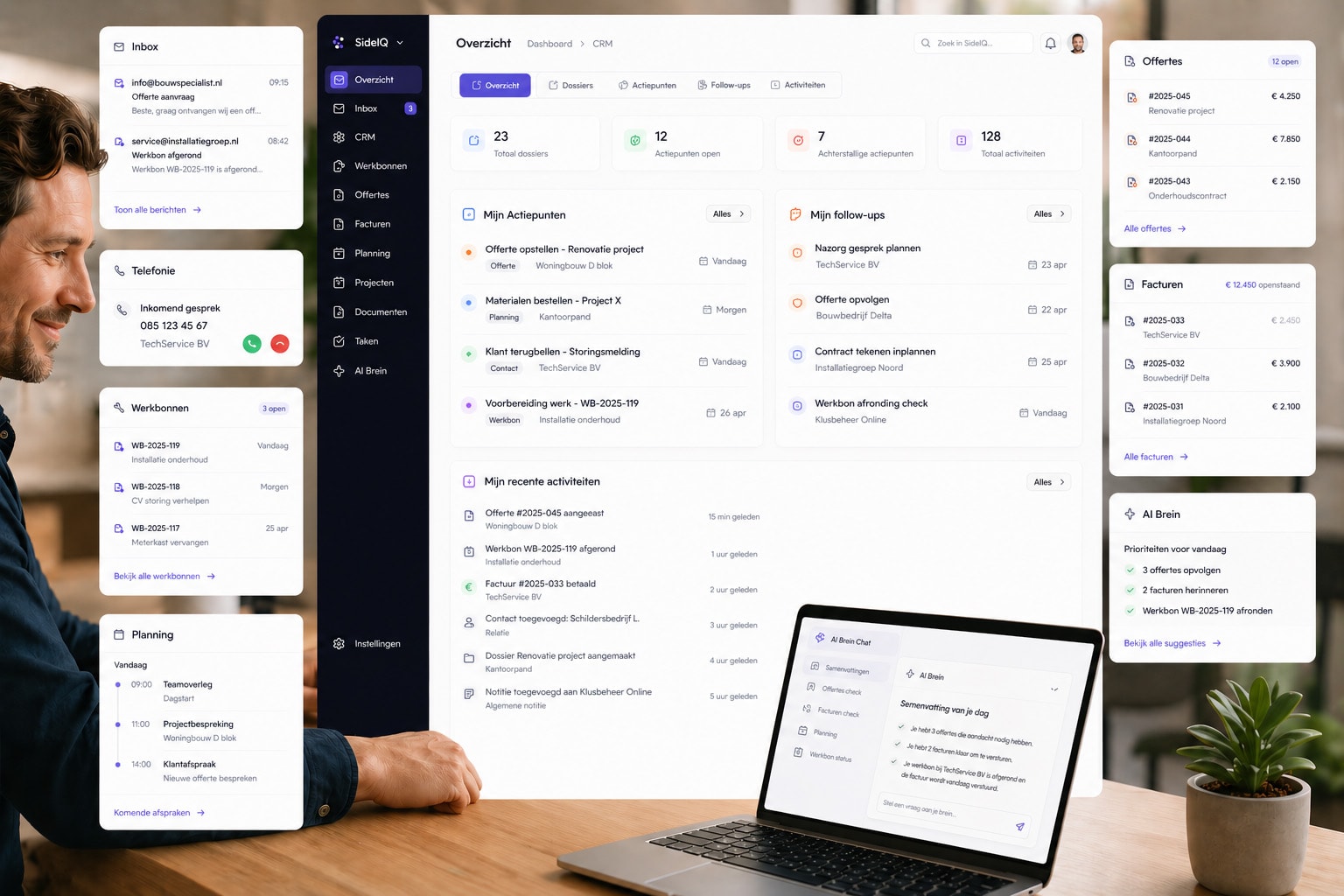
The SideIQ customer portal gives external contacts secure access to the exact surfaces that matter to them. OTP and sessions control access, while scopes decide which tabs and actions are visible.
01
OTP login
customers request a code by email and enter without a full account
02
Quotes
review, preview, accept or reject quotes from the portal
03
Invoices
follow invoice status, view PDFs and start payment flows
04
Appointments
see upcoming and past appointments with detail, location and customer actions
05
Portal booking
choose available scheduler pages and book a slot directly
06
Own branding
logo, colours, portal slug and host configuration match your brand
07
Scope-based access
decide per link or session whether invoices, quotes, appointments, scheduling or entities are visible
Not a detached portal. A secure outside layer of the same dossier.
Not a detached portal. A secure outside layer of the same dossier.
INSIDE THE PORTAL
What customers can handle themselves
01
Quote flow
review a quote, compare variants and send back acceptance or rejection
02
Invoice flow
see open amounts, payment status and payment options from one tab
03
Appointment flow
view details, confirm, cancel or request a reschedule
04
Booking flow
choose a meeting type and book an available slot directly
05
Customer data
view portal-enabled entities through the same card components used internally
WORKS SEAMLESSLY WITH
The portal uses the same foundation as internal work
01
CRM
access starts from the customer relationship and stays linked to contact and organization
02
Quotes & invoicing
acceptance, rejection, PDF preview and payment stay synchronized
03
Planning
appointments and scheduler pages become visible in the same portal
04
Documents & SignIQ
documents and signing fit into the same customer surface
05
Collections
portal-enabled custom entities can be shown safely to customers
06
Security
HttpOnly sessions, OTP lockout, scopes, host validation and RLS isolation
Self-service without context loss.
Customer portal makes the outside of your process as coherent as the inside: secure, branded and directly connected to your dossiers.